 Millworker
Help / Joins
 Corner Quirk
Part
Turn a butt corner into a dado or locking quirk joint, with a 1/8 or 1/4 in quirk.
Set up
- A corner of two panels: an upright V standing on a horizontal H, its end on H's face and its outer face flush with H's end.
- Click Corner Quirk (Joins panel).
- Click V's outer face (the outside of the corner), then the face of H that V stands on.
- Choose Dado or Locking (remembered for next time).
- Set Quirk, the step left at the outside corner; 1/8 and 1/4 buttons fill it in (1/4″ for 3/4″ panels).
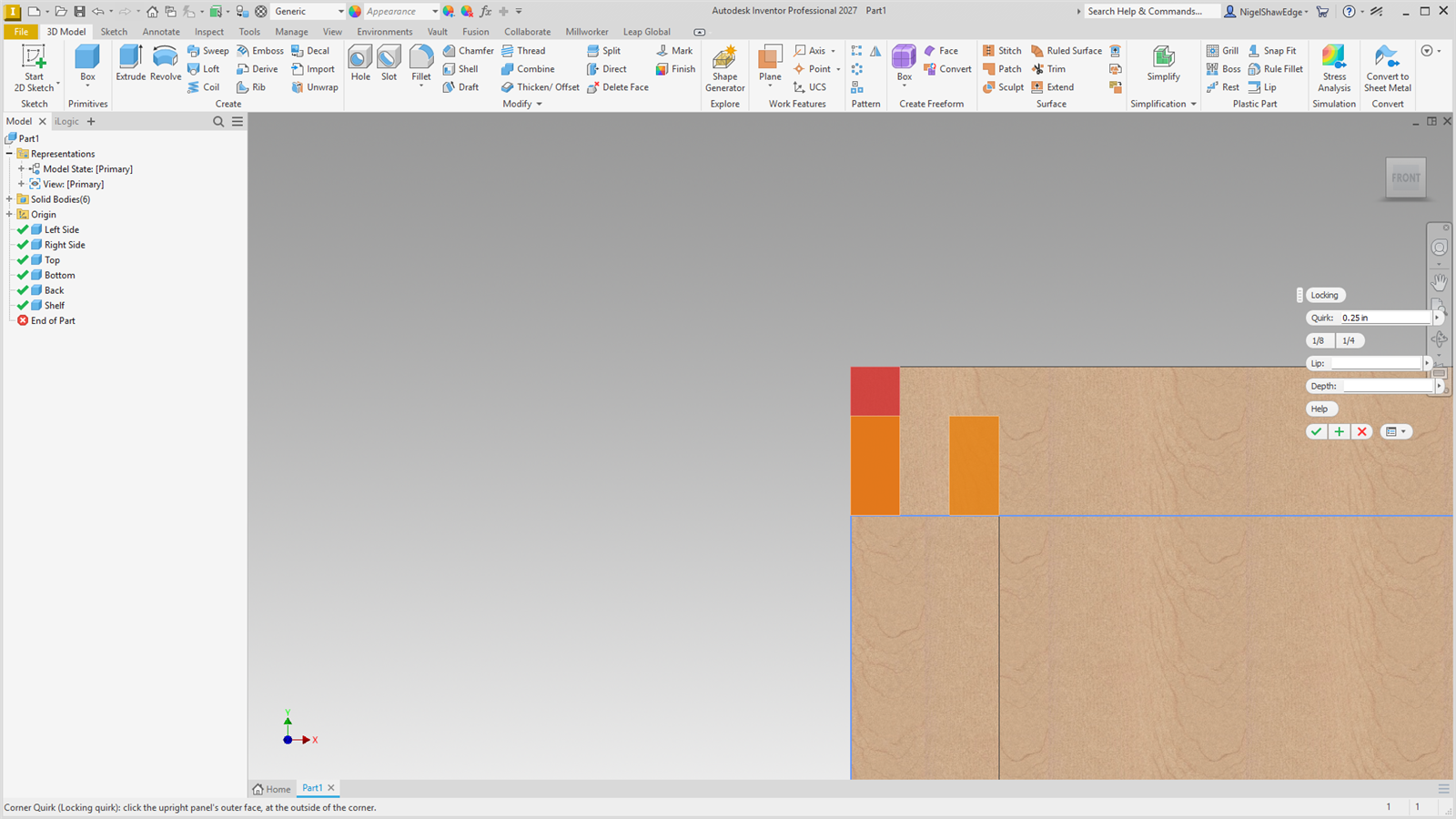
- OK. The preview shows what H loses in red and what V gains in orange.
Screenshot placeholder
images/corner-quirk-preview.png
1600 × 900 px
Close view of a corner, end-on, V on H. Locking style chosen, quirk 1/4: red H cut, orange V tongue and lip in the preview.
Screenshot placeholder
images/corner-quirk-toolbar.png
360 × 480 px
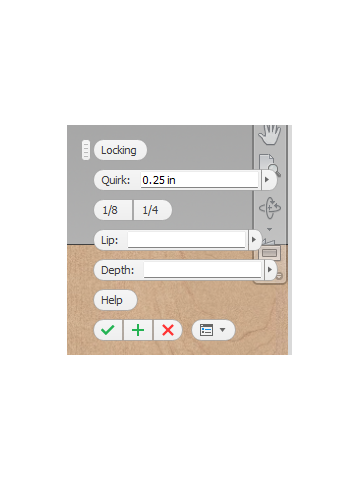
Corner Quirk mini toolbar alone: Dado / Locking buttons, Quirk with 1/8 and 1/4, Lip or Depth box.
| Style | What it makes |
|---|---|
| Dado quirk | V runs down into a rabbet across H's end, leaving H a lip Lip thick (empty: a third of H's thickness). V overhangs H's end by the quirk. |
| Locking quirk | Across V's thickness, V's outer lip (the quirk wide), H's end tongue and V's inner tongue share the rest equally. V's lip and inner tongue run Depth into H (empty: H's thickness less the quirk). On 3/4″ panels with a 1/4″ quirk that gives three equal thirds and a 1/4″ × 1/4″ quirk. |
Parameters: MW_CornerQuirk#_VThickness, _HThickness, _Quirk, and _Lip or _Depth.