 Millworker
Help / Joins
 Tongue
Part
Put a centred tongue along board edges, with corners that meet cleanly.
Set up
- A part with boards to join edge to edge (a face frame, a glued-up top, a frame and panel).
- Click Tongue (Joins panel).
- Click the boards' edge faces, as many as you like.
- Set the tongue Width (its thickness, centred on the board) and Length (how far it stands out).
- Apply or OK.
Screenshot placeholder
images/tongue-preview.png
1600 × 900 px
Two boards with three edges picked including two meeting at an outside corner; tongue preview running round the corner.
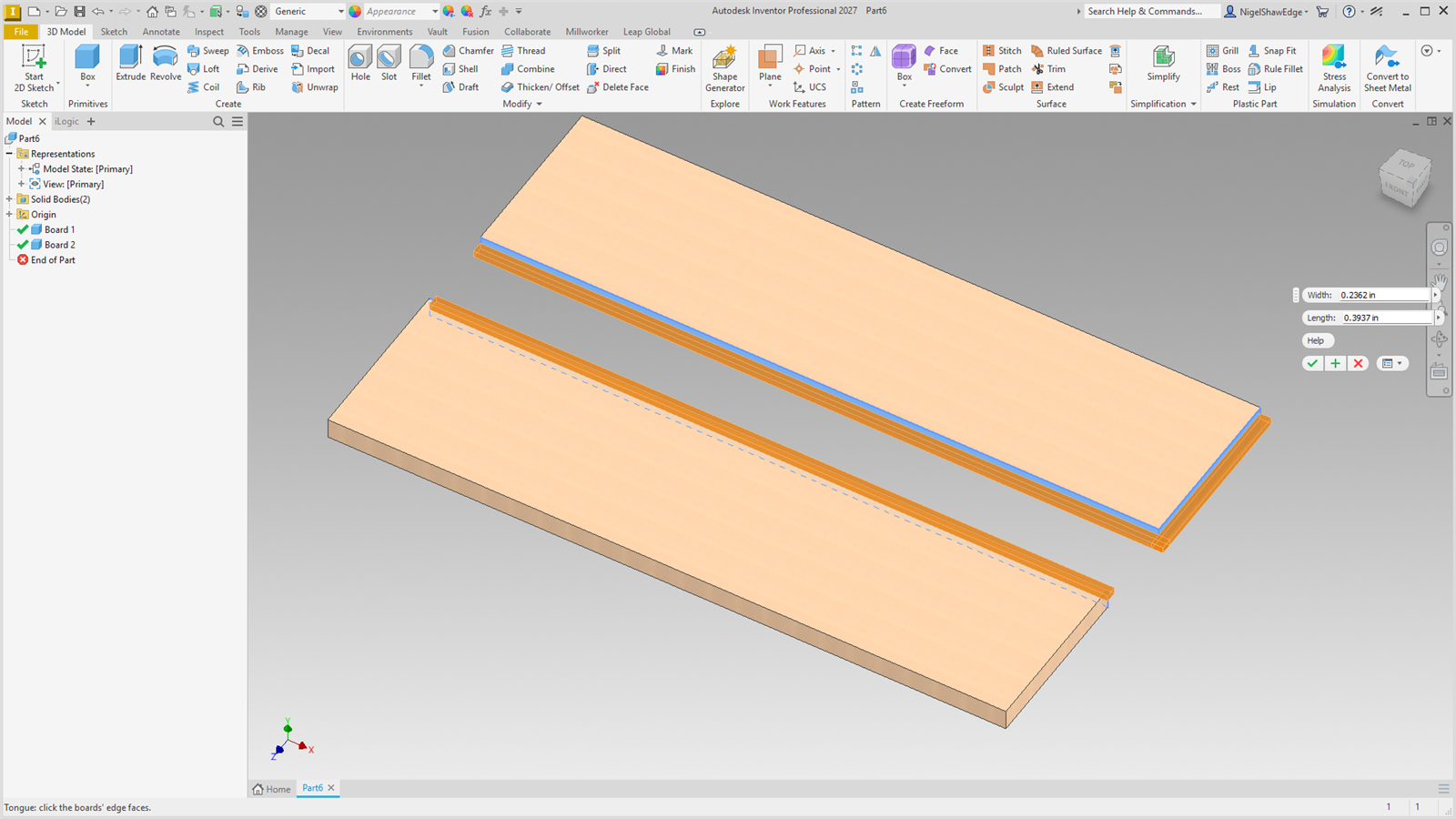
Where the face at a tongue's end has a tongue too (picked with it, or made before), the tongue runs on past the end by its length, so an outside corner is filled rather than left as a notch. Use Groove on the mating boards.