 Millworker
 Functions and formulas
IF/THEN formulas and your own functions on parameters, worked out by Millworker.
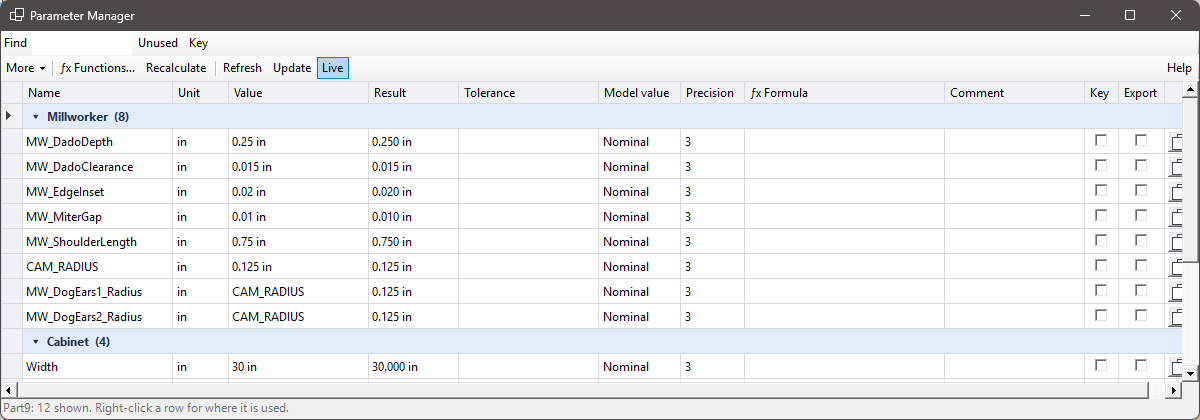
- Parameter Manager → the ƒx Formula column, and ƒx Functions….
Formulas
A formula can do what Inventor's expressions cannot:
| Conditions | IF Width > 30 THEN 3 ELSE 2, ELSE IF chains, if(Width < 25, 1, 2) |
| Comparisons and logic | = <> < <= > >=, AND OR NOT |
| Arithmetic | + - * / ^ % |
| Functions | min max abs round (round(x, 2)) floor ceil sqrt sin cos tan (degrees) pow sign clamp |
| Names | The document's parameters and your own functions. |
Lengths are in the document's length unit and angles in degrees: Width is 30 in a 30″ part. A number can carry its own unit (254 mm). The parameter's value becomes the result and is worked out again a moment after any change to the document (one undo step; Recalculate does it now).
The value cell of a formula parameter is pale yellow. A formula that cannot be worked out is red, with why on its tip. The formula is kept on the parameter, so it stays with the document.
Your own functions
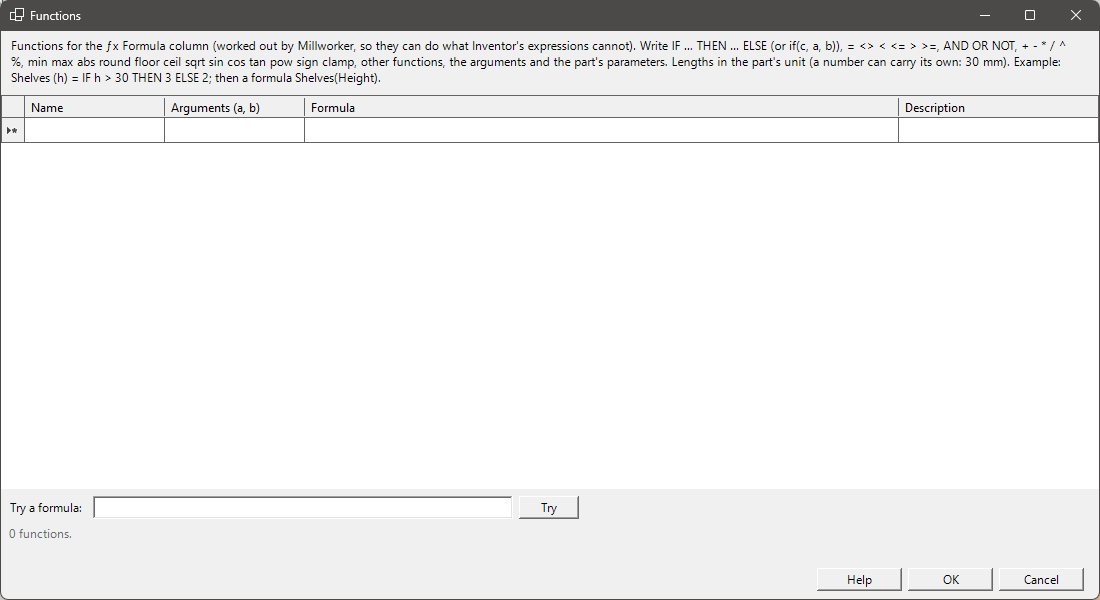
ƒx Functions… lists your functions, one row each: Name, Arguments, Formula and Description.
Example: ShelfCount (h) = IF h > 30 THEN 3 ELSE IF h > 20 THEN 2 ELSE 1, then the formula ShelfCount(Height).
- A function can use other functions, its arguments and the document's parameters (not itself).
- A row that will not do is red, and OK waits until it is put right.
- Try a formula works one out on the active document.
- Functions are kept in
Millworker Functions.jsonnext to the material database, and each document copies in the ones its formulas use, so it still works on a PC without them.