 Millworker
Help / Treatment
 Split Out
Part
Make each separate lump of a body into a body of its own.
Set up
- A body made of separate lumps, for example the slats a Lattice left in one body.
- Click Split Out.
- Click the lumps (a click anywhere picks the whole lump, lit all over), or tick All lumps and click the body.
- OK.
Screenshot placeholder
images/split-out-picks.png
1600 × 900 px
A slatted body from Lattice with several slats picked and lit; All lumps tick box in the toolbar.
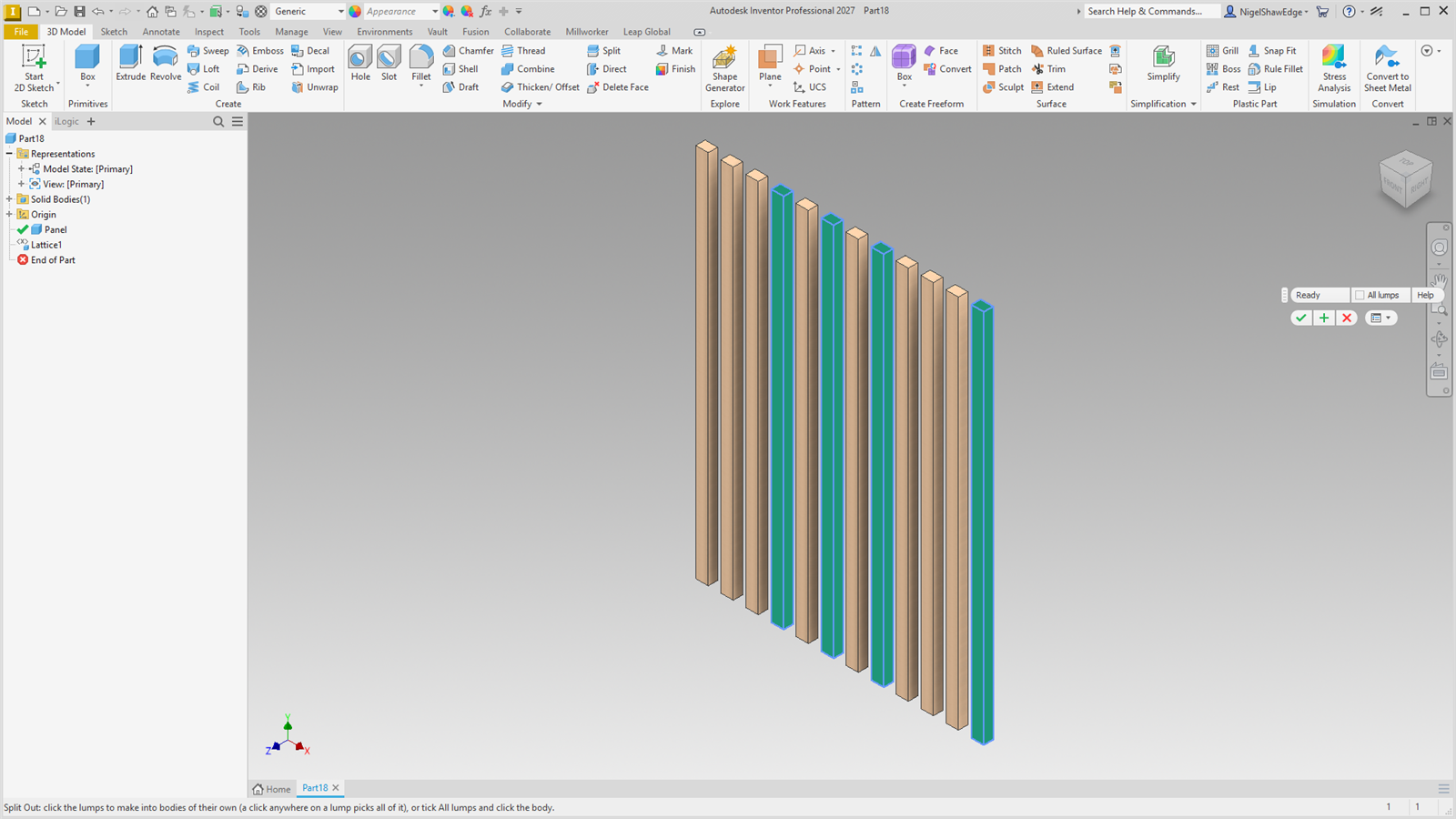
Each picked lump becomes a body of its own and is cut out of the original body. At least one lump stays in the original. Lumps that interlock (one inside another's box) can't be split out this way. The new bodies are not parametric; delete the node to put the lumps back.